 All Eyeglasses
 Men’s Eyeglasses
 Women’s Eyeglasses
 VA Contract Frames
 All Sunglasses
 Men’s Sunglasses
 Women’s Sunglasses
 Countdown: 3
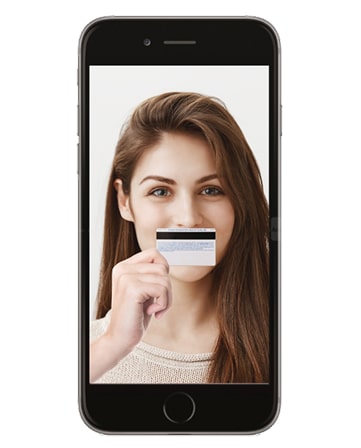
You will need a standard ATM card, or any card of the same size. The card is only used as a measuring tool. Please note the card image will not be stored.
If asked for permission to use your camera, please click "Allow".
Start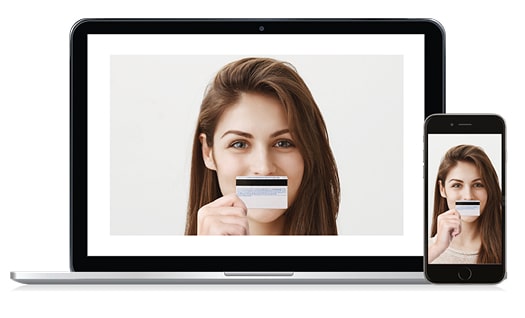

Allow access to your webcam and check that it is not already in use.
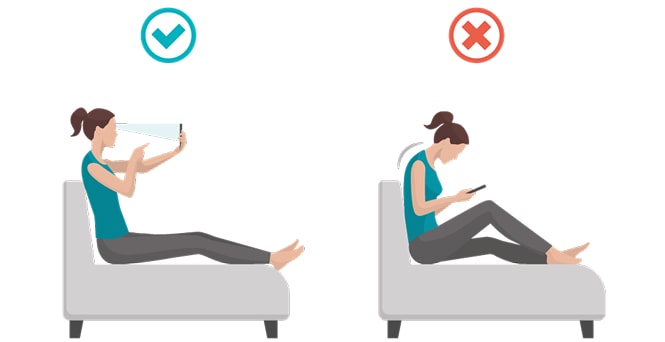
Countdown: 3Hold still and look directly at your camera.
 Capture
Once your face and card are in position, remove your glasses and look directly into your camera, then press “Capture”. See instructions again.
Check that your eyes are looking straight ahead and that the edges of your card are visible.